All the results of 217 surveys conducted at 28 sites since 2006 are combined in SpeciesYearMultilayeredE.kml.
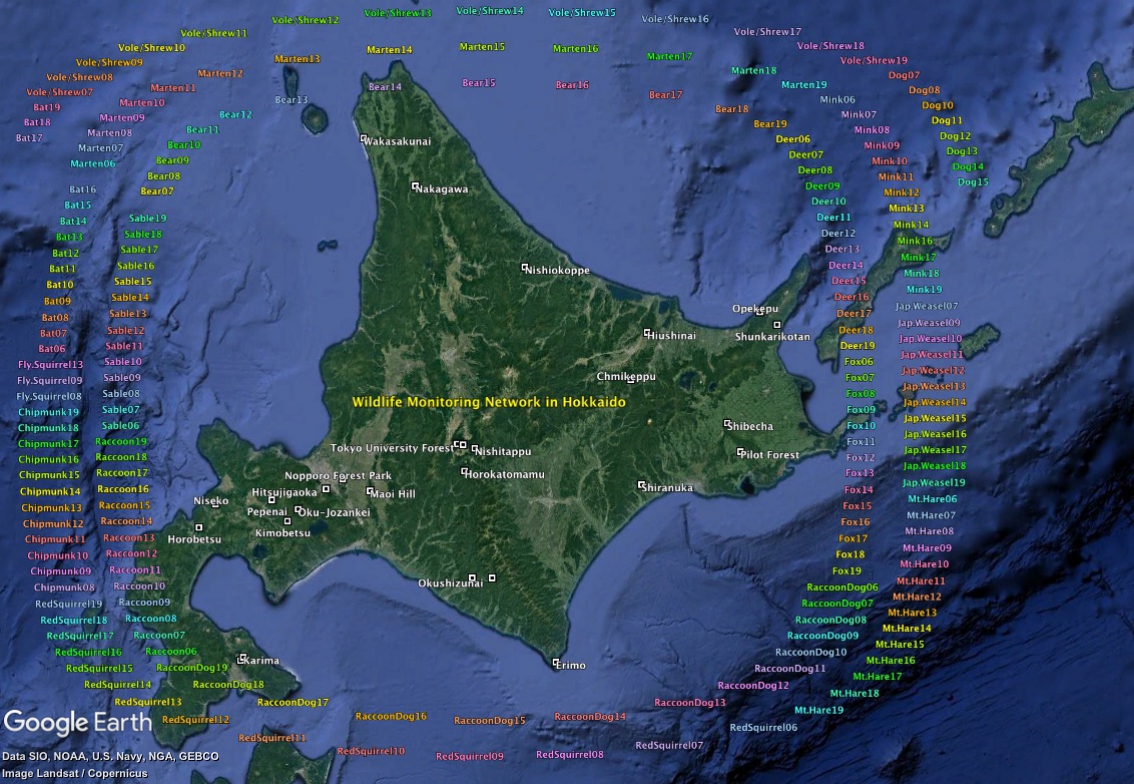
Download the kml file and open it with Google earth to see the results.
Double-clicking the downloaded kml file will start Google Earth.
Make sure that "Sidebar" is open on the left side of the Google Earth window (choose "View" from the menu and check "Sidebar").
Confirm that "SpeciesYearMultilayered.kml" is visible.
1) Checking on and off the checkbox on the left of each item will turn the display on and off.
2) Clicking the right-pointing triangle on the left of each item will display the subitems.
3) For animal species, the photo capture rates are indicated by the size of circles and number letters. Display by year is also possible.
For details, please refer to How to use kml files
Make sure that "Sidebar" is open on the left side of the Google Earth window (choose "View" from the menu and check "Sidebar").
Confirm that "SpeciesYearMultilayered.kml" is visible.
1) Checking on and off the checkbox on the left of each item will turn the display on and off.
2) Clicking the right-pointing triangle on the left of each item will display the subitems.
3) For animal species, the photo capture rates are indicated by the size of circles and number letters. Display by year is also possible.
For details, please refer to How to use kml files
Home